🎮 Games 🎯 Tips 📊 Rankings 🛒 Shop 📰 News & Leaks 🌴 GTA 6 Out Now 🎮 Buy GTA 6 💬 Discord ✉️ Newsletter ✉️ Contact
✦ The Complete Rockstar Universe ✦
Red Dead Redemption 2
📅 Last updated:
Red Dead Redemption 2 is Rockstar's western, set in 1899 and released in October 2018, a prequel to the 2010 game. More than 87 million copies later, you can play it on PS4, Xbox One and PC, and on PS5 and Xbox Series X|S through backward compatibility.
All Games GTA VI Out now RDR 2 Live GTA V Live San Andreas Live Vice City Live GTA IV GTA III Red Dead Redemption Undead Nightmare Bully Chinatown Wars Vice City Stories Liberty City Stories The Warriors Midnight Club 3 GTA Advance Red Dead Revolver Manhunt Max Payne 2 Midnight Club II State of Emergency Max Payne Oni Smuggler's Run GTA 2 GTA London 1969 GTA 1
← Swipe to see all games →
Home / Tips / RDR 2 / Mods

RDR2 Mods: How to Install Them Safely on PC

📅 Checked on

Red Dead Redemption 2 mods only work on PC, in story mode. Script mods need Script Hook RDR2: copy ScriptHookRDR2.dll and dinput8.dll next to RDR2.exe. Mods that replace textures, models or other game files usually go through Lenny's Mod Loader. Script Hook RDR2 closes the game if you go into Red Dead Online, and Rockstar's Mod Guidelines forbid mods that interfere with its online services.

Checked in October 2026. The official Script Hook RDR2 is still version 1.0.1491.17, dated 9 February 2023, so most of this page is about keeping that small set of tools in line with the game, not about any one mod.

Are RDR2 Mods Allowed?

In single player, within limits. Take-Two has said it generally does not take legal action against single-player, non-commercial PC mods that respect other people's intellectual property.

Know Rockstar's Mod Guidelines

Rockstar's Mod Guidelines, dated 10 September 2026, apply to all its games. They forbid mods that extend official storylines or missions, mods that bring maps or characters from one Rockstar game into another, monetization outside Rockstar's Creator Platform, and cheat menus that interfere with online services. A story mode trainer or a graphics preset does none of those things. A mod that plugs you into Red Dead Online's services does.

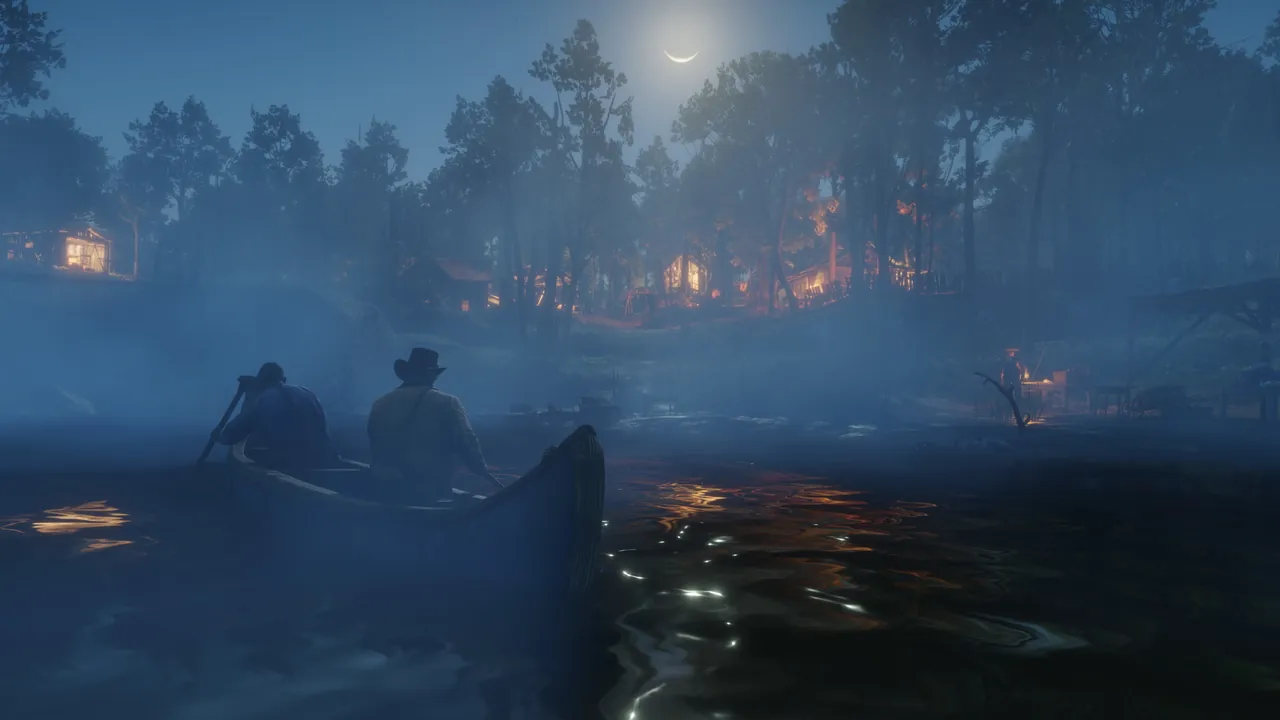
Red Dead Redemption 2 story missions
Red Dead Redemption 2 story missions · Image: Rockstar Games

Can You Get Banned for Mods in RDR2?

The risk is in Red Dead Online, where Rockstar's rules forbid mods that interfere with multiplayer. Script Hook RDR2 is built to avoid mistakes: it closes the game when the player goes into multiplayer. Keep mods to story mode and remove them before playing Red Dead Online.

Stay out of Red Dead Online

Do not treat the automatic shutdown as your safety net. If you play both modes, take out everything you installed before you go online: ScriptHookRDR2.dll, dinput8.dll, vfs.asi and every .asi file in the game folder. The cleaner option is a second, untouched copy of the game for Red Dead Online, so nothing needs moving back and forth. Modified files in the online game are what can get an account banned, and a mod you forgot about counts as much as one you meant to use.

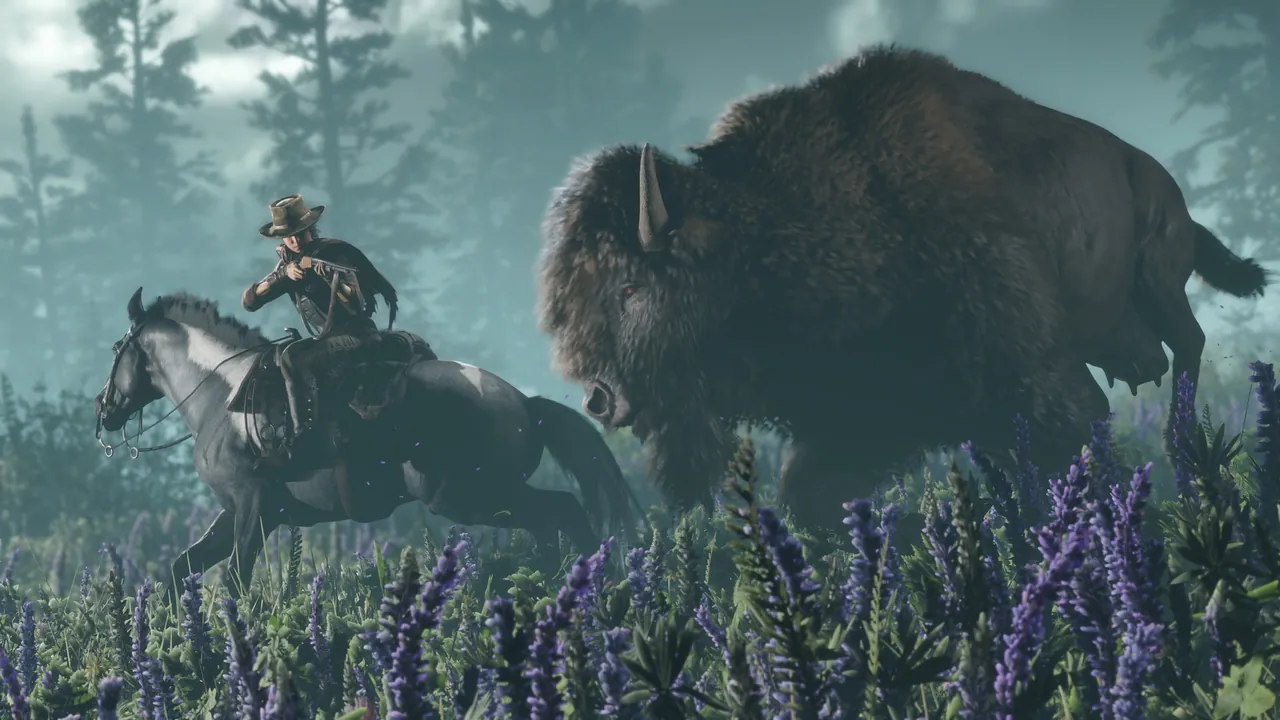
Red Dead Redemption 2 legendary animals
Red Dead Redemption 2 legendary animals · Image: Rockstar Games

Can You Get Mods on PS5 or Xbox?

No. Mods are a PC feature: the tools on this page run on the Windows version of Red Dead Redemption 2, and the console versions do not accept them. On console, the game's own 37 cheat codes are the way to change it.

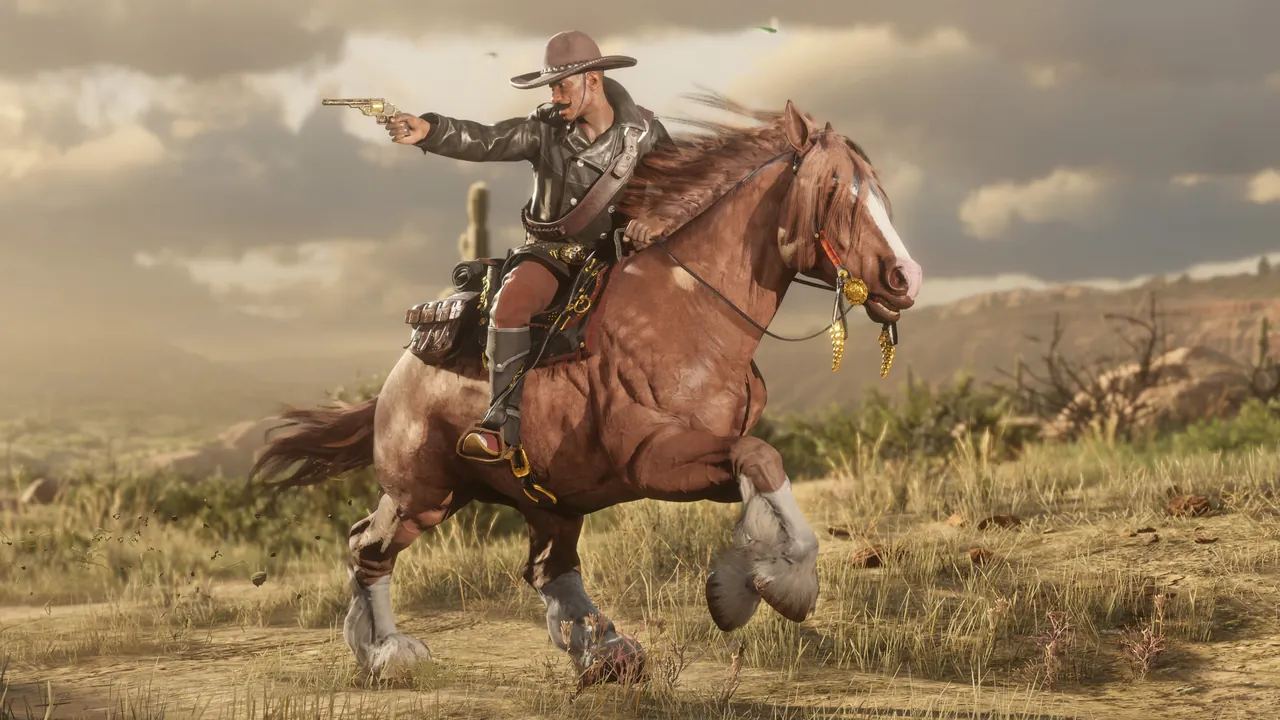
Red Dead Redemption 2 best horse
Red Dead Redemption 2 best horse · Image: Rockstar Games

Which Tools Do You Actually Need?

Three pieces cover almost everything, and a few more only matter for certain mods. The first is a script hook, which lets script mods run. The second is an ASI loader, the dinput8.dll file that loads .asi plugins and comes in the hook's package. The third, Lenny's Mod Loader, is for mods that replace game files such as textures, models and sounds. Many mods list their requirements on their own page, so read it before you download anything.

Two rules save most of the trouble. Use only one script hook, never the official one and the community V2 together, because both install the same ScriptHookRDR2.dll. And use only one of the two tools that bring Red Dead Online content into story mode, the Online Content Unlocker or the LITE Multiplayer Asset Enabler, since some mods that borrow Red Dead Online content list one of them as a requirement.

ToolWhat it doesWhen you need it
Script Hook RDR2 (official, 1.0.1491.17)Lets .asi script mods use the game's functionsAlmost every script mod
ScriptHookRDR2 V2 (community)A drop-in replacement with the same functionsInstead of the official hook, never with it
ASI loader (dinput8.dll)Loads .asi filesWhenever you use a script hook
Lenny's Mod Loader (beta 11)Loads mods that replace textures, models and sounds from the lml folderAsset mods only
Online Content Unlocker or LITE Multiplayer Asset EnablerLets story mode use Red Dead Online contentMods that list one of them, never both
Rampage TrainerA story mode trainer with an in-game menuIf you want a trainer, with a hook and an ASI loader
Red Dead Modding ToolA manager that lists conflicts between Lenny's Mod Loader modsOptional, useful once you have many mods
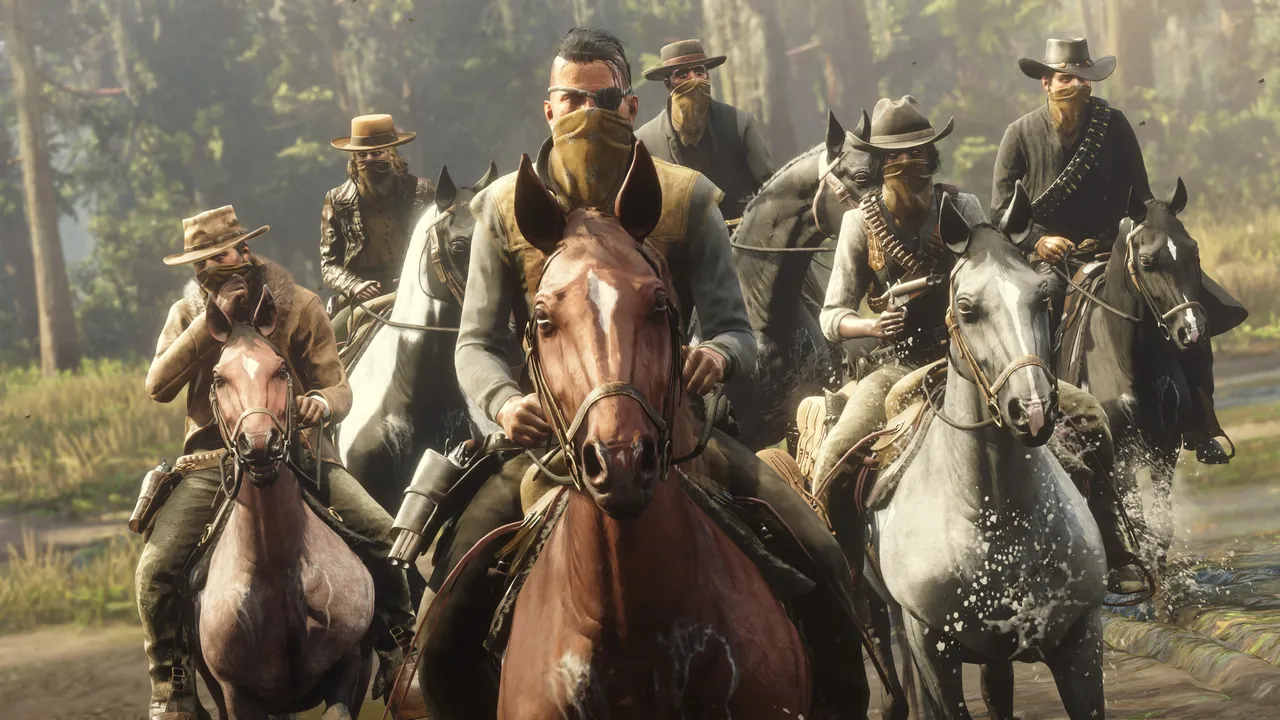
Red Dead Redemption 2 red dead online
Red Dead Redemption 2 red dead online · Image: Rockstar Games

Before You Install Anything

Use a PC copy that runs on Steam, the Rockstar Games Launcher or the Epic Games Store, and find the folder that holds RDR2.exe, because everything below goes there. Then do three small things first.

Back up your saves. They live in the Profiles folder inside Documents, under Rockstar Games and Red Dead Redemption 2. Copy it somewhere safe before you add anything.

Switch the game to Vulkan in the graphics settings. Texture mods are a frequent cause of a crash with the message Unknown error FFFFFFFF, and Vulkan is the first fix to try, so it is easier to start there.

Plan to add mods one at a time, or a few at a time, and launch the game after each. When something breaks, you will know which mod did it.

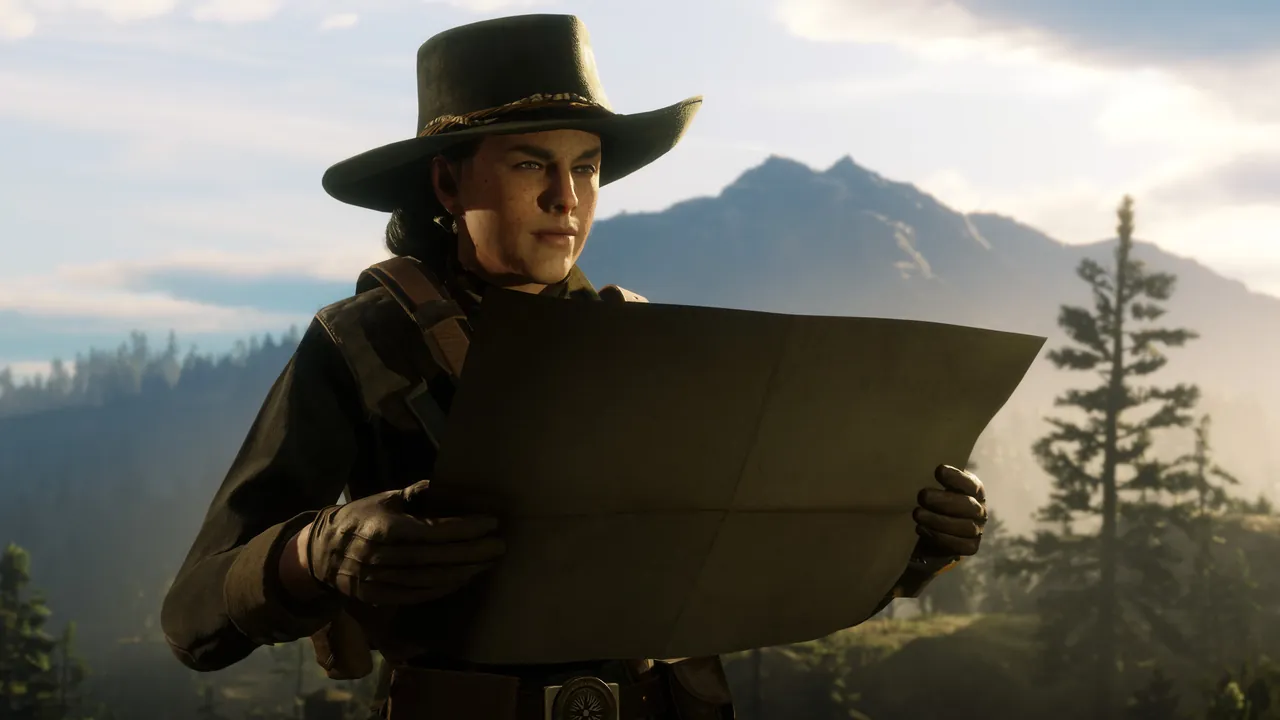
Red Dead Redemption 2 treasure maps
Red Dead Redemption 2 treasure maps · Image: Rockstar Games

How to Install RDR2 Mods

These steps cover a clean install with the official Script Hook RDR2 and Lenny's Mod Loader.

Install Script Hook RDR2

Copy ScriptHookRDR2.dll and the ASI loader dinput8.dll into the folder with RDR2.exe, then drop each script mod, usually an .asi file, into the same folder. NativeTrainer.asi, a basic trainer, is optional. After a game update, check that your version is still supported: the official build of 9 February 2023 covers 1.0.1207.58 and 1.0.1491.17 and later.

Use Lenny's Mod Loader for asset mods

Mods that replace textures, models or other game files go through Lenny's Mod Loader instead. Its files, such as vfs.asi, sit next to RDR2.exe, and each asset mod goes in its own subfolder of the lml folder. The loader reads them without changing the original archives. Always read each mod's own instructions, since some need extra tools, and a mod manager can install files for you.

StepWhat to do
1Download Script Hook RDR2 from its author's own page, not from a re-upload.
2Copy ScriptHookRDR2.dll and the ASI loader dinput8.dll into the game's main folder, where RDR2.exe is. NativeTrainer.asi, a basic trainer, is optional.
3For mods that replace game files, install Lenny's Mod Loader: copy the contents of its ModLoader folder, including vfs.asi and the lml folder, into the same folder. Then open ModManager.UI.exe and point it at the game folder.
4Copy each script mod, usually an .asi file, into the main folder, and each asset mod into its own subfolder of lml.
5Launch the game in story mode. After a game update, check that Script Hook RDR2 still supports your version.

The latest official Script Hook RDR2, released on 9 February 2023, supports game versions 1.0.1207.58 and 1.0.1491.17 and later. The community version, ScriptHookRDR2 V2, is a drop-in replacement made for later patches.

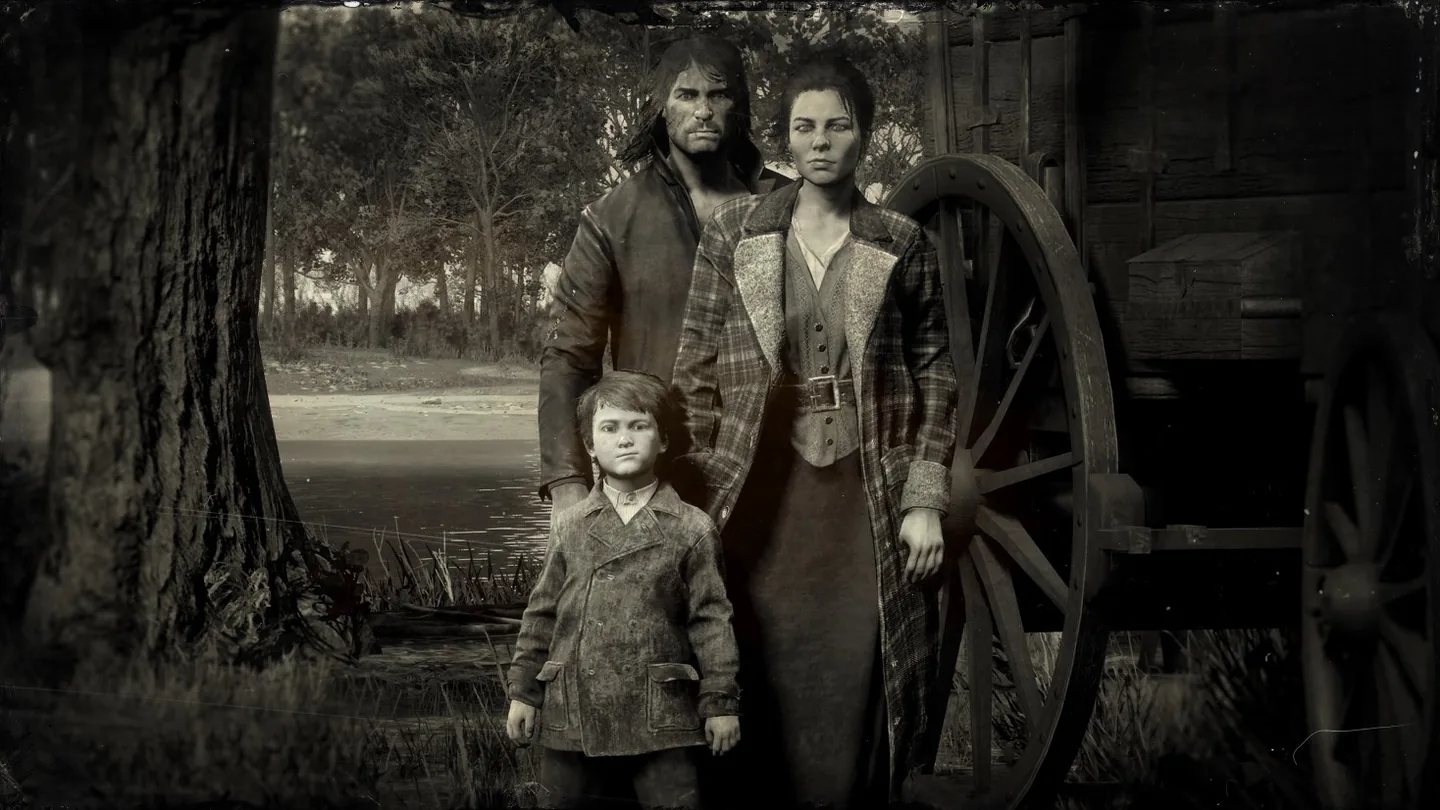
John, Abigail and Jack by a wagon
John, Abigail and Jack by a wagon · Image: Rockstar Games

Adding Mods Without Breaking the Game

Most problems come from two mods fighting over the same file. Lenny's Mod Loader settles it by order: when two mods replace the same file, the one lower in its list wins. The Red Dead Modding Tool has a conflicts tab that shows which file is the problem, and then you reorder the mods so the one you want loads last. Reading a mod's own page also tells you which others it clashes with, which saves a lot of guessing.

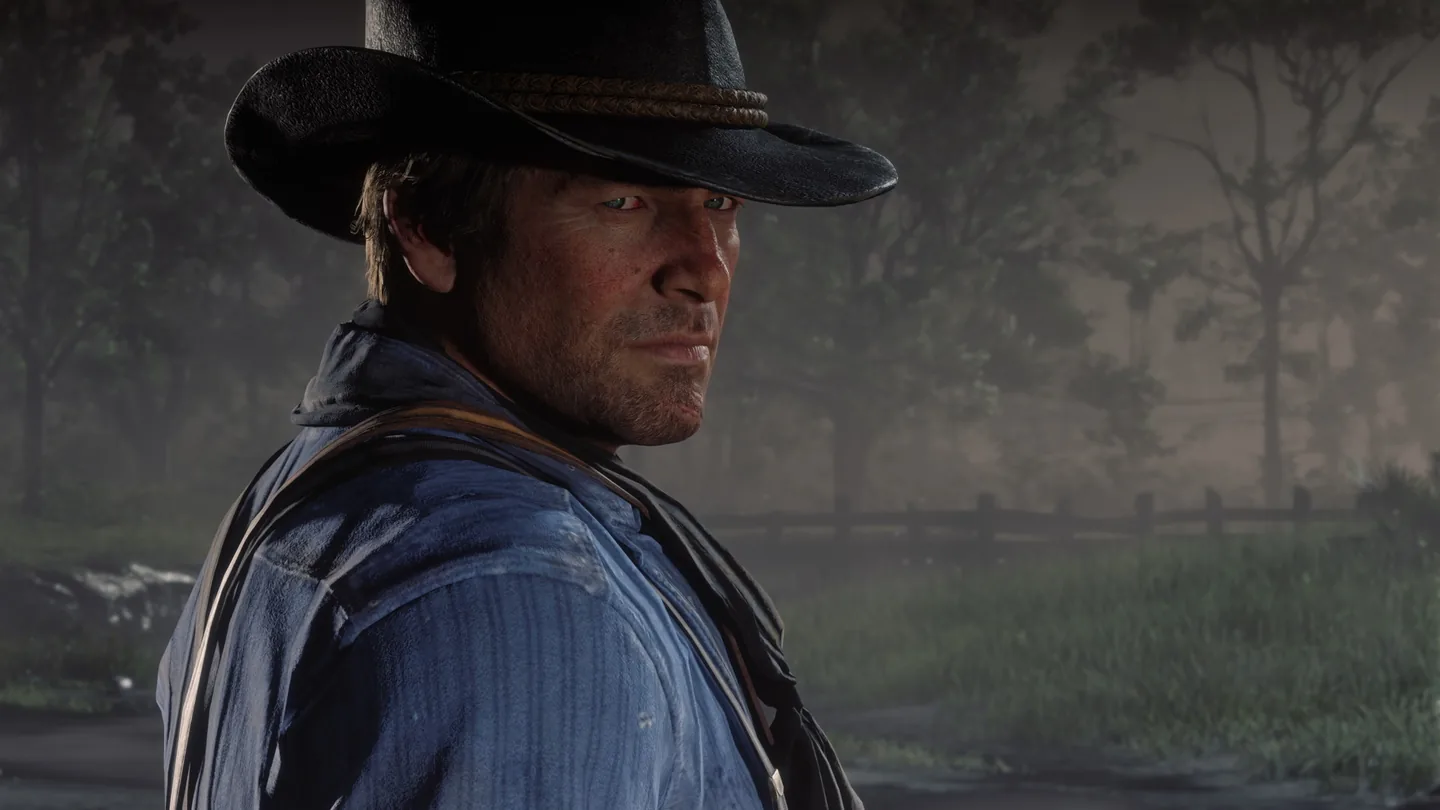
Arthur Morgan, official Red Dead Redemption 2 artwork
Arthur Morgan, official Red Dead Redemption 2 artwork · Image: Rockstar Games

After a Game Update

A game update can stop your script mods until the hook catches up, and the hook is the part that matters: plugins depend only on ScriptHookRDR2.dll, so once the hook is updated they work again. Before you launch, update the hook, then check your trainer and the page of each mod for a new version. If the game will not start, take the mods out until a hook that supports your version is out, then put them back a few at a time.

Fixing the Most Common Problems

What you seeWhat to do
The game closes when you click Red Dead OnlineNormal: the hook shuts the game down on purpose. Remove the mod files, or use a clean copy, if you want to play online.
The game will not start right after a game updateUpdate ScriptHookRDR2.dll, or take the mods out until the hook supports your version.
A crash after you added a modRemove the last mod you added and launch again. Add the next one only when the game starts.
Unknown error FFFFFFFFIt often comes from texture mods that do not get on with DirectX 12. Switch to Vulkan or remove the last texture mod you installed.
A mod does nothingCheck its page for required tools and for where its files go: the main folder for .asi files, the lml folder for asset mods.
Two mods change the same thingReorder them in Lenny's Mod Loader. The mod lower in the list wins.
A mod asks for a different script hookUse only one hook. The community V2 can replace the official one when a mod asks for it.

Download Safely

An .asi or .dll file runs code on your PC, so where it comes from matters. Get each mod from its author's own page. Re-uploads and mod packs on other sites are best avoided, since they can be out of date, and a mod that has not been updated for the current game is a common reason a good install stops working.

Most Downloaded RDR2 Mods

The ten most downloaded Red Dead Redemption 2 mods on the main PC mod library, as listed on 16 September 2026.

The most downloaded mods

As listed on 16 September 2026, Rampage Trainer by RampageDev is the most downloaded RDR2 mod: a story mode trainer with 3.6 million downloads. ScriptHookRDR2 V2 by kepmehz, at 2.4 million, is a community Script Hook made for later patches. Online Content Unlocker by LeDana, at 1.7 million, lets other mods use Red Dead Online content in story mode.

ModAuthorWhat it doesDownloads
Rampage TrainerRampageDevStory mode trainer3.6m
ScriptHookRDR2 V2kepmehzCommunity Script Hook for recent game patches2.4m
Online Content UnlockerLeDanaLets other mods use Red Dead Online content in story mode1.7m
WhyEm's DLCWhyEmPlayer content1.6m
Gun TricksRampageDevBrings Red Dead Online gun spinning to story mode882.1k
Bounty Hunting: Expanded and EnhancedShtiviEndless bounty missions and random encounters690k
Crime and Law Rebalance and EnhancementBlackjacks420nReworks the law system677.9k
Bank RobberiesUnlosingPlaysRob the tellers of supported banks637.5k
Gun Metal ReworkTheLastGunslinger9Reworked gun metal textures629.4k
RDR2 Photorealistic reshade and Modlisthaskeer212ReShade graphics preset605.8k

A download count says how popular a mod is, not whether it works with your setup today. Check the date of its last update and its requirements before you install, especially for mods that borrow Red Dead Online content, which need the Online Content Unlocker or a similar tool.

Cheats or Mods?

It depends on where you play. On PlayStation and Xbox the game's own cheat codes are the only option. On PC in story mode you can use either, and mods go much further than a cheat. Red Dead Online allows neither: cheats are story mode only, and mods put your account at risk.

Where you playWhat you can useThe catch
PS4, PS5, Xbox One, Xbox Series X|SThe 37 cheat codesTurning a cheat on blocks saving and trophies for that session
PC, story modeCheat codes or modsMods need the setup on this page and care after every game update
Red Dead OnlineNeitherRockstar's rules forbid mods that interfere with online play

More Red Dead Redemption 2 on GTAside

The RDR2 map, the best horse, the legendary animals, the GTA 5 mods guide and the best PC key prices in our RDR2 price comparison.

Frequently Asked Questions

How do you install mods in RDR2?
Copy ScriptHookRDR2.dll and dinput8.dll into the folder that contains RDR2.exe, add script mods to the same folder, and install Lenny's Mod Loader for mods that replace game files, which go in its lml folder.
Can you get banned for RDR2 mods?
Rockstar's rules forbid mods that interfere with Red Dead Online. Script Hook RDR2 closes the game if you go online, so keep mods to story mode, and move the mod files out of the game folder before you play online.
Can you mod RDR2 on PS5 or Xbox?
No. Mods only work on the PC version of Red Dead Redemption 2.
What is Lenny's Mod Loader?
A tool that loads mods replacing textures, models and other game files without changing the original archives. Its files go next to RDR2.exe and the mods in its lml folder.
What is the most downloaded RDR2 mod?
Rampage Trainer, a story mode trainer, with 3.6 million downloads on the main PC mod library as of 16 September 2026.
Do RDR2 mods break after a game update?
Script mods can stop working until Script Hook RDR2 supports the new version. Update ScriptHookRDR2.dll first, then check your trainer and each mod's page for a new version, and take the mods out until the hook is updated if the game will not start.
Can you use two script hooks in RDR2?
No. The official Script Hook RDR2 and the community ScriptHookRDR2 V2 both install ScriptHookRDR2.dll, so use one of them. V2 is a drop-in replacement made for later patches.
What causes the Unknown error FFFFFFFF in modded RDR2?
It most often comes from texture mods that do not get on with DirectX 12. Switch the graphics API to Vulkan or remove the last texture mod you added.
Are RDR2 mods allowed by Rockstar?
Single-player, non-commercial PC mods that respect other people's intellectual property are generally left alone by Take-Two. Rockstar's Mod Guidelines of 10 September 2026 forbid mods that extend its storylines, mix content between its games, charge money outside its Creator Platform or interfere with its online services.
Do you need Lenny's Mod Loader to use mods in RDR2?
Only for mods that replace game files such as textures, models and sounds. Script mods need Script Hook RDR2 and the dinput8.dll ASI loader, and each mod's page lists what it requires.